
Made for your first brew.
An approachable way to start home brewing, one 1-gallon batch at a time.


An approachable way to start home brewing, one 1-gallon batch at a time.
FermControl 2.0 manages temperature, pressure and brewing programs behind your batch.
Chill your finished brew and dispense it with the built-in air pump.
Explore beer styles and dedicated kombucha recipes, with the ingredients each beverage needs.
MORE TO BREW
Start with what you love. Discover what’s next.

01
Your favorite styles. Brewed your way.

02
From fruits to your next pour.

03
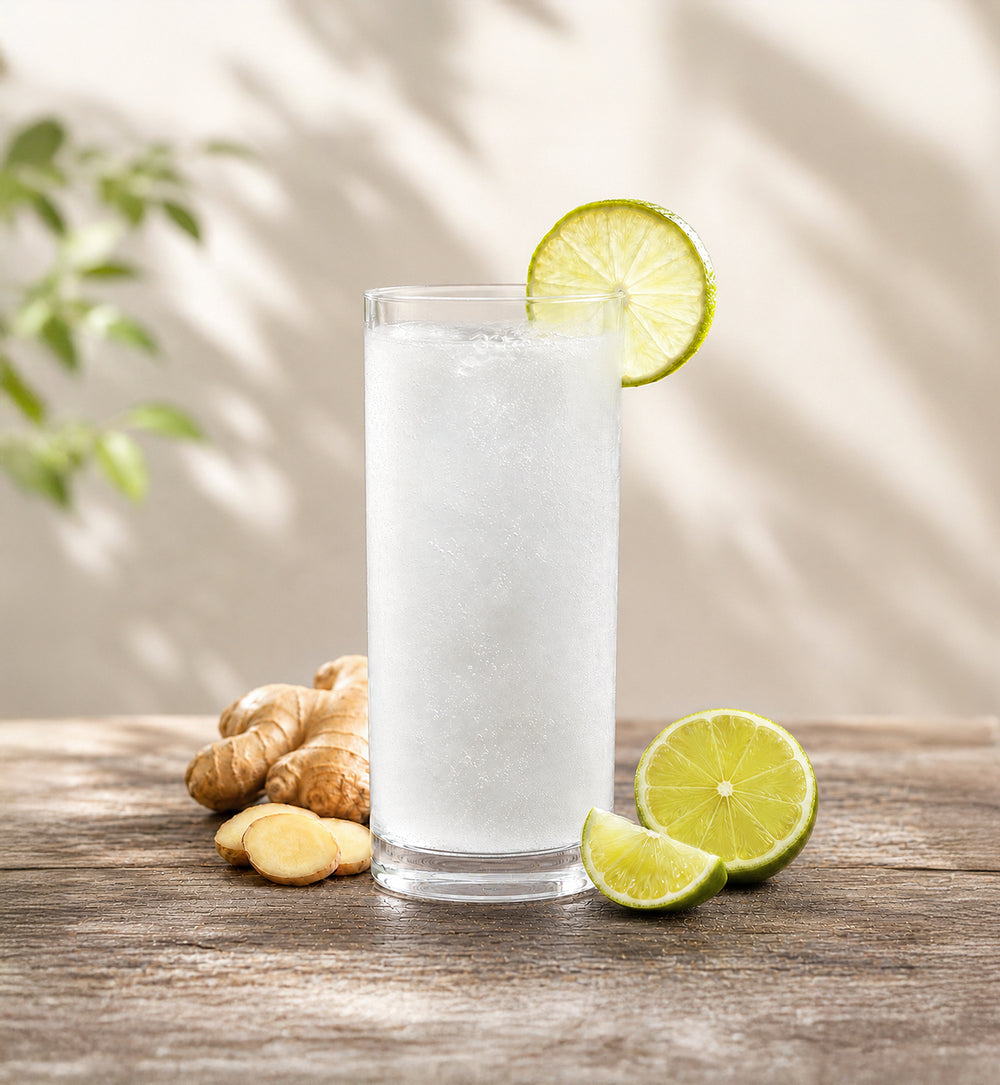
Explore kombucha and other fermented favorites.
04
A fresh world of chilled possibilities.

05
Follow your curiosity. Take fermentation further.
Brewing possibilities vary by recipe, ingredients and preparation. Not every recipe is available as a guided kit. Custom fermentation settings require a separately purchased Master Mode card.
BREW KITS FOR YOUR REGION
Explore the brew kits listed for your region.
Brew kits for Canada17 kits

From $35.99 CAD
Explore kit
From $34.99 CAD
Explore kit
From $32.99 CAD
Explore kit
From $32.99 CAD
Explore kit
From $55.99 CAD
Explore kit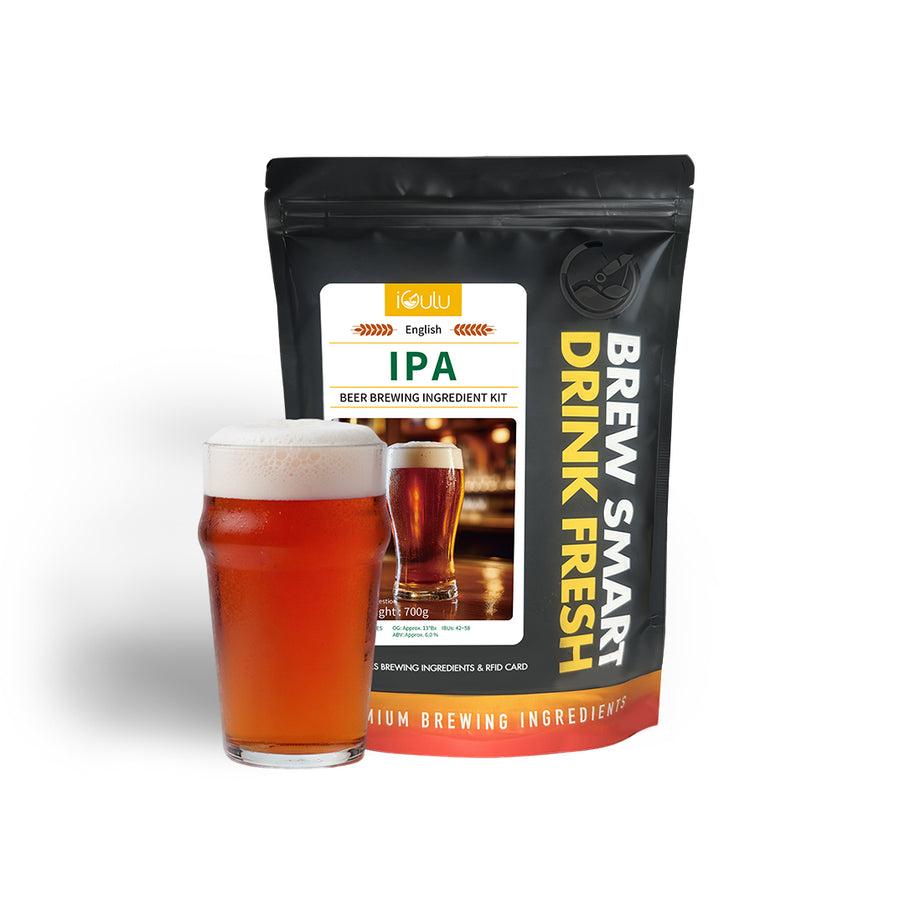
From $40.99 CAD
Sold out
Explore kit
From $35.99 CAD
Sold out
Explore kit
From $41.99 CAD
Explore kit
From $30.99 CAD
Explore kit
From $38.99 CAD
Explore kit
From $33.99 CAD
Explore kit
From $24.99 CAD
Explore kit
From $30.99 CAD
Sold out
Explore kit
From $27.99 CAD
Explore kit
From $26.99 CAD
Sold out
Explore kit
From $27.99 CAD
Explore kit
From $27.99 CAD
Sold out
Explore kitRecipes, prices and availability vary by region. Choose a kit and follow its recommended brewing instructions.
YOUR FIRST BREW STARTS HERE
A simple start. A brew worth waiting for.

Prepare your ingredients and water according to the recipe, then fill and load the keg.

Scan the RFID card from a compatible iGulu brew kit to start its guided brewing program.

Once fermentation and any required cooling are complete, pour and enjoy your finished brew.
Scan a compatible RFID brew card for a guided recipe. Enjoy your brew after fermentation and cooling are complete. Timing varies by recipe and operating conditions. S1 imagery shown for reference.
01 / COLOR & INTERACTION
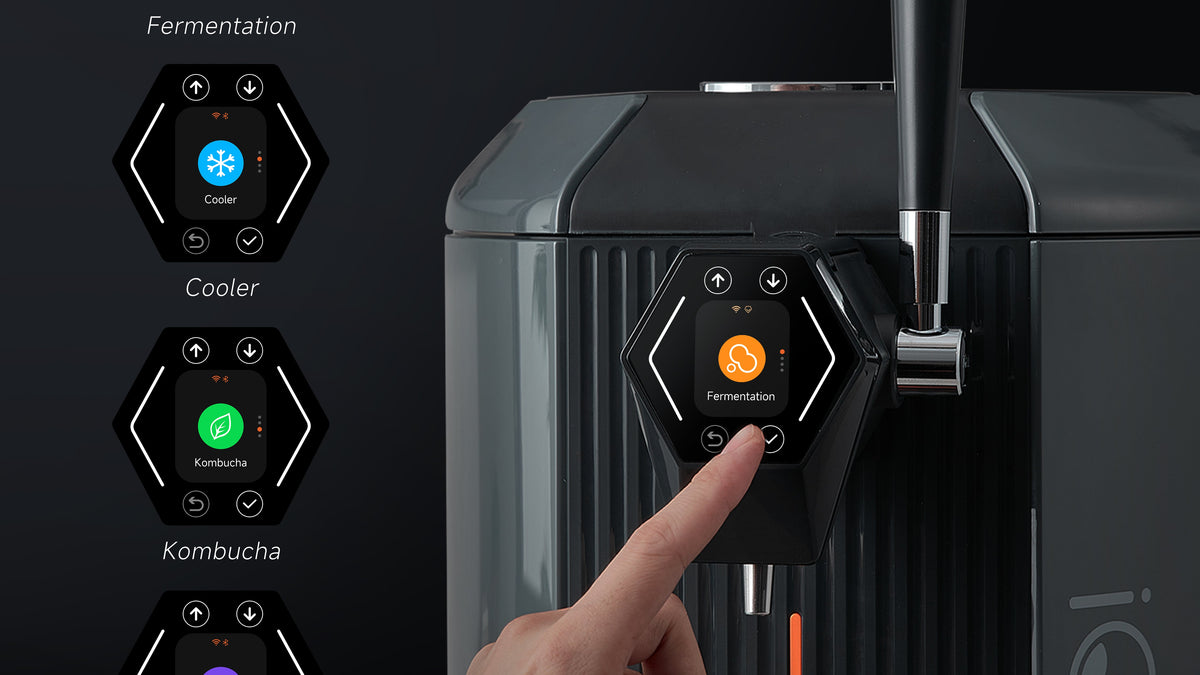
A 240 × 296 RGB565 color LCD brings brewing information into view, with touch interaction and physical buttons.
Physical buttons + touch interaction. Interface illustration; final Neo interface may vary.

02 / CUSTOM FERMENTATION
S1 Neo adds user-set fermentation pressure, alongside custom time and temperature, for more say in your recipes.
Master Mode card required for custom fermentation time, temperature and pressure. Sold separately. Existing iGulu control illustration shown as reference.
FROM BREWING TO SERVING
Chill your finished batch. Pour when it is ready.
Semiconductor cooling brings your finished batch down to serving temperature. Then choose the setup that suits your next pour.
Cooling times are approximate and vary with operating conditions.


01 / INTERNAL
Pour directly with the built-in air pump. No CO₂ accessories needed.

02 / EXTERNAL
Use the included compact adapter with a compatible 16 g CO₂ cartridge.

03 / EXTERNAL
Pair the single-head adapter with a compatible gas cylinder for a regulated CO₂ supply.
YOUR NEXT CHAPTER
Begin with a guided recipe, then choose the extras that suit the way you brew and serve.

BREW KITS · CHOOSE YOUR RECIPE
Choose a compatible iGulu brew kit, add the ingredients and water, then scan its RFID card to start the guided program.
Kit contents and availability vary by market. Included only when specified in the selected bundle.
Explore brew kits
OPTIONAL · SOLD SEPARATELY
The Master Mode card unlocks custom fermentation time, temperature and pressure on S1 Neo.
Master Mode card must be purchased and activated separately.
Explore Master ModeCARE BETWEEN BATCHES
Clean and sanitize the keg and beverage-contact parts, including the dispensing parts after use, according to the Neo manual.
Wipe the brewer body with a soft cloth. Follow the manual for safe pressure release and disassembly.
Prepare the parts and ingredients for your next recipe. A little care belongs in every brewing routine.

S1 Neo, S1 and F1 Pro. Find the brewer that fits your home.

S1 reference image

F1 reference image
*Custom fermentation settings require a Master Mode card, sold separately. S1 Neo adds custom fermentation pressure compared with S1.
Cooling references are approximate and vary with operating conditions. Start and target temperatures are not specified in the S1 and F1 Pro reference data, so these are not same-condition test results.
THE DETAILS
| Beer brewing capacity | 1 gal · approximately 4L |
|---|---|
| Core brewing engine | FermControl 2.0 |
| Display | RGB565 color LCD · 240 × 296 |
| Controls | Button and touch interaction |
| Temperature range | 3–40°C |
| Working pressure | 2–22 PSI |
| Cooling system | Semiconductor cooling |
| Safety system | Safety pressure protection |
| Dispensing modes | Built-in air pump · CO₂ cartridge via compact adapter · single-head adapter + compatible gas cylinder |
| Custom fermentation settings | Time, temperature and pressure · Master Mode card required, sold separately |
| Counter-pressure bottling | Manual, with accessories; bottle kit and external transfer tubing required |
| 10L expansion | Not supported |
| Package contents | Refer to the selected Neo configuration. Optional accessories are sold separately unless specified. |
Brewing and cooling times vary by recipe and operating conditions. Optional accessories are sold separately unless specified in your selected bundle.
GET TO KNOW YOUR SETUP
Your everyday brewing essentials, together in one setup. Standard accessories follow the S1 configuration; the final contents depend on the bundle selected above.

Compact adapter for small CO₂ cartridges. This is different from the optional single-head adapter for an external gas cylinder.
A LITTLE KNOW-HOW
A few useful answers before you get started.

Are you a beer enthusiast who is looking to get started with home brewing? Look no further than the iGulu F1 Home Brewing...
Dec 07, 2023
Discover the royal history behind Hefeweizen, a beer style once reserved for the elite. Explore the rich traditions, unique flavors, and versatile...
Jul 13, 2026
The CO₂ Adapter for iGulu S1 Brewers allows users to connect external threaded CO₂ cylinders for smooth dispensing. This guide explains available...
Dec 07, 2025Articles feature existing iGulu models. Follow the Neo manual for model-specific setup and connections.
View all articles →YOUR NEXT FAVORITE IS YOURS TO MAKE
Easy to get into. Serious about brewing.
Explore S1 Neo


